45+ developer tools. One extension. Zero tracking.
JSON, JWT, Base64, regex, QR codes, diffs, color & page-inspection tools — all in one fast popup. No servers, no accounts, no data collection.
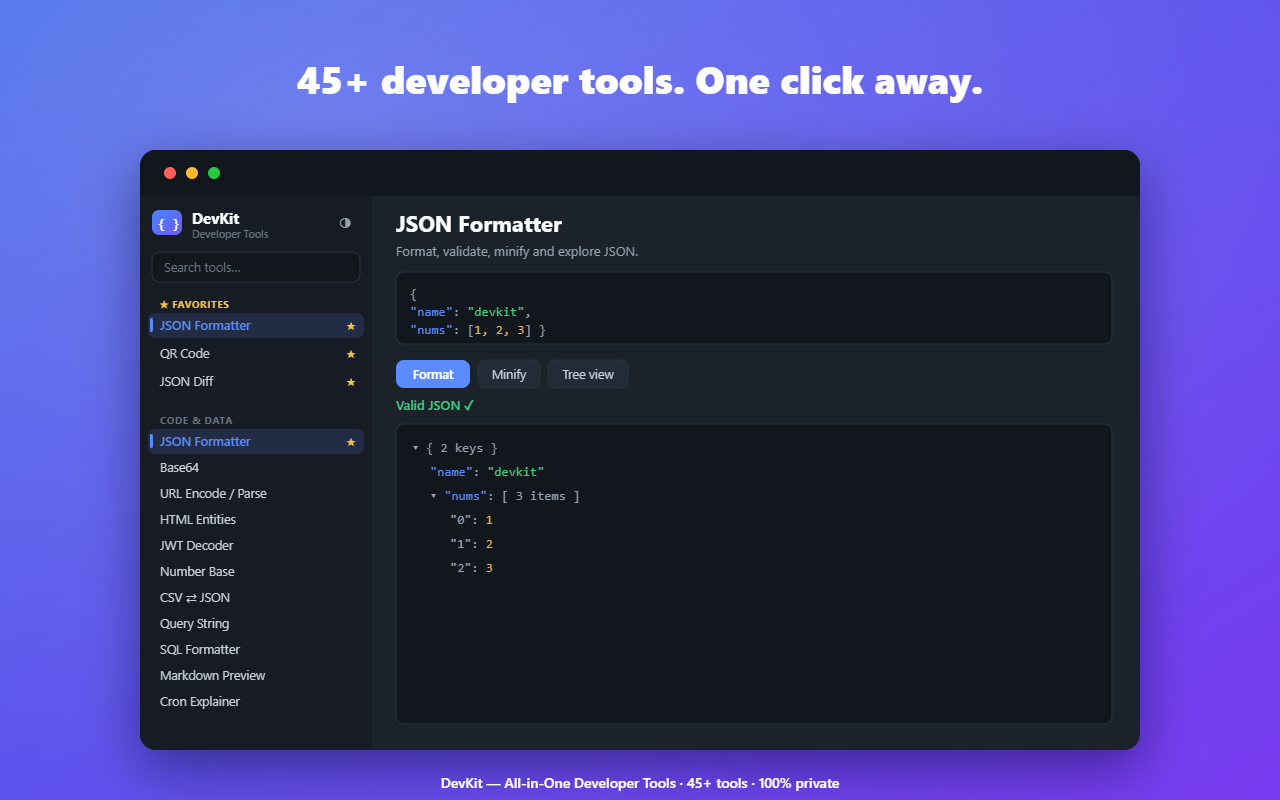
One popup. The whole toolkit.
Stop juggling a dozen single-purpose extensions. DevKit groups every tool you reach for into a searchable, keyboard-friendly sidebar.
Format & convert
JSON formatter with tree view, Base64, URL & HTML-entity encoders, JWT decoder, number-base, CSV/JSON & query-string converters, SQL formatter, Markdown preview.
Create instantly
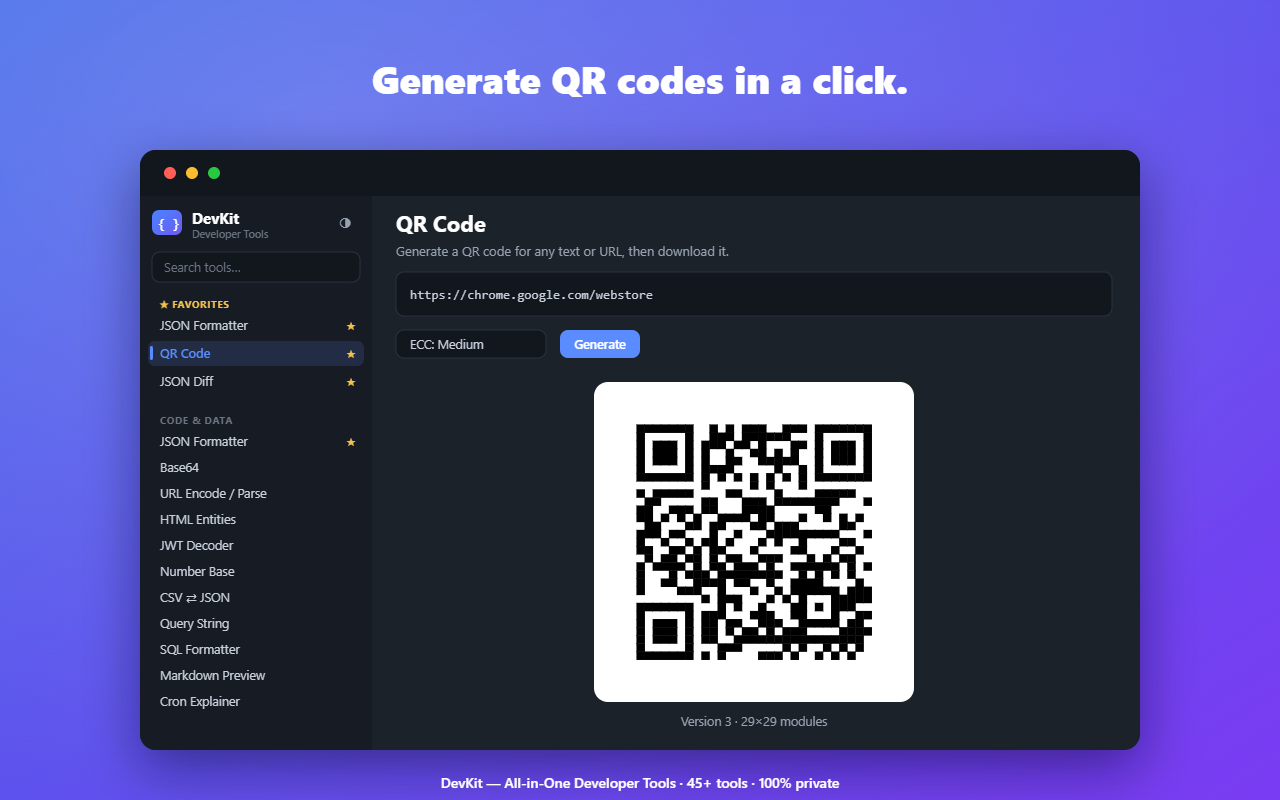
UUIDs, SHA hashes, secure passwords, QR codes, mock data and lorem ipsum — generated locally with the Web Crypto API.
Diff anything
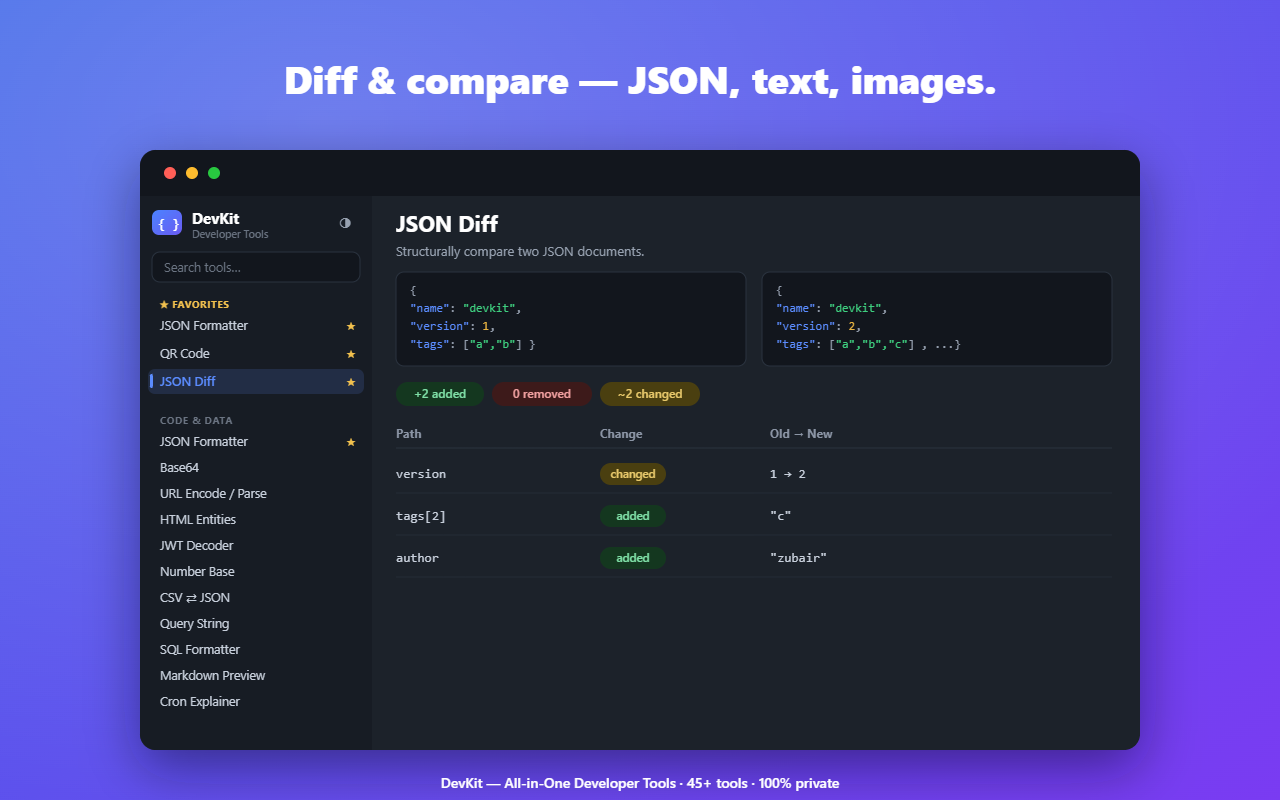
Text diff, structural JSON diff, list compare, text similarity, date diff, number diff, and a pixel-level image diff.
Colors & CSS
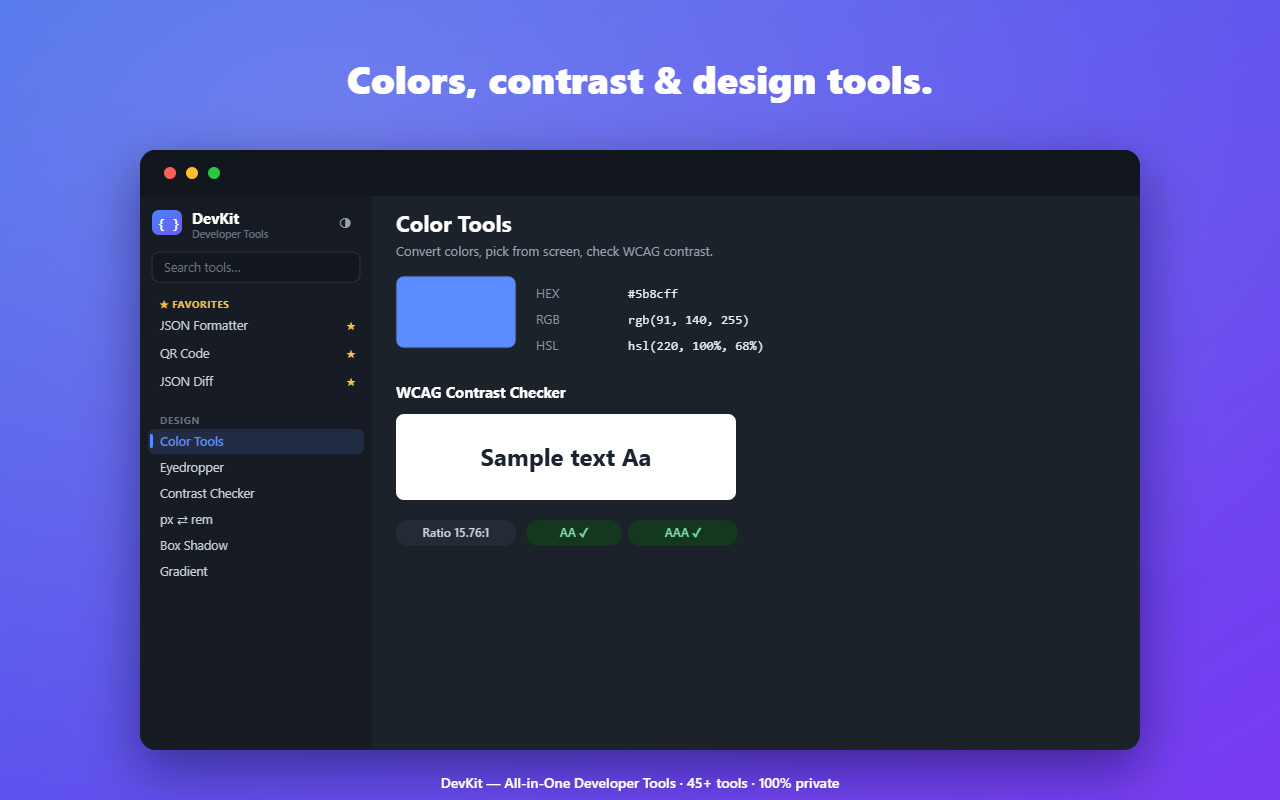
HEX/RGB/HSL converter, screen eyedropper, WCAG contrast checker, px⇄rem, and live box-shadow & gradient builders.
Wrangle text
Regex tester, case converter, word counter, line tools (sort/dedupe/shuffle), slugify and a JS/JSON string escaper.
Inspect any page
Element ruler, font inspector, outline overlay, color-palette extractor and full-tab screenshots — on demand.
Audit on demand
SEO checks, performance metrics (Core Web Vitals), a storage viewer and framework/library detection.
Look it up
Searchable HTTP status codes, MIME types & User-Agent parser, plus a timestamp converter and cron explainer.
Fast, focused, and easy on the eyes
Dark and light themes, a searchable tool list, and a Favorites group for the tools you use most.
Private by design
DevKit makes zero network requests. Everything runs locally in your browser — there are no servers, no analytics, no accounts, and nothing is ever uploaded. It can only touch a page when you click a tool.
Add DevKit to Chrome
Free, forever. Your new developer toolbox is one click away.